How to Block AI Crawlers in WordPress
WordPress serves robots.txt virtually, and the block lists its plugins install disallow the crawlers that decide AI citations. An audit of 175 tokens.
 Published Last updated 16 minute read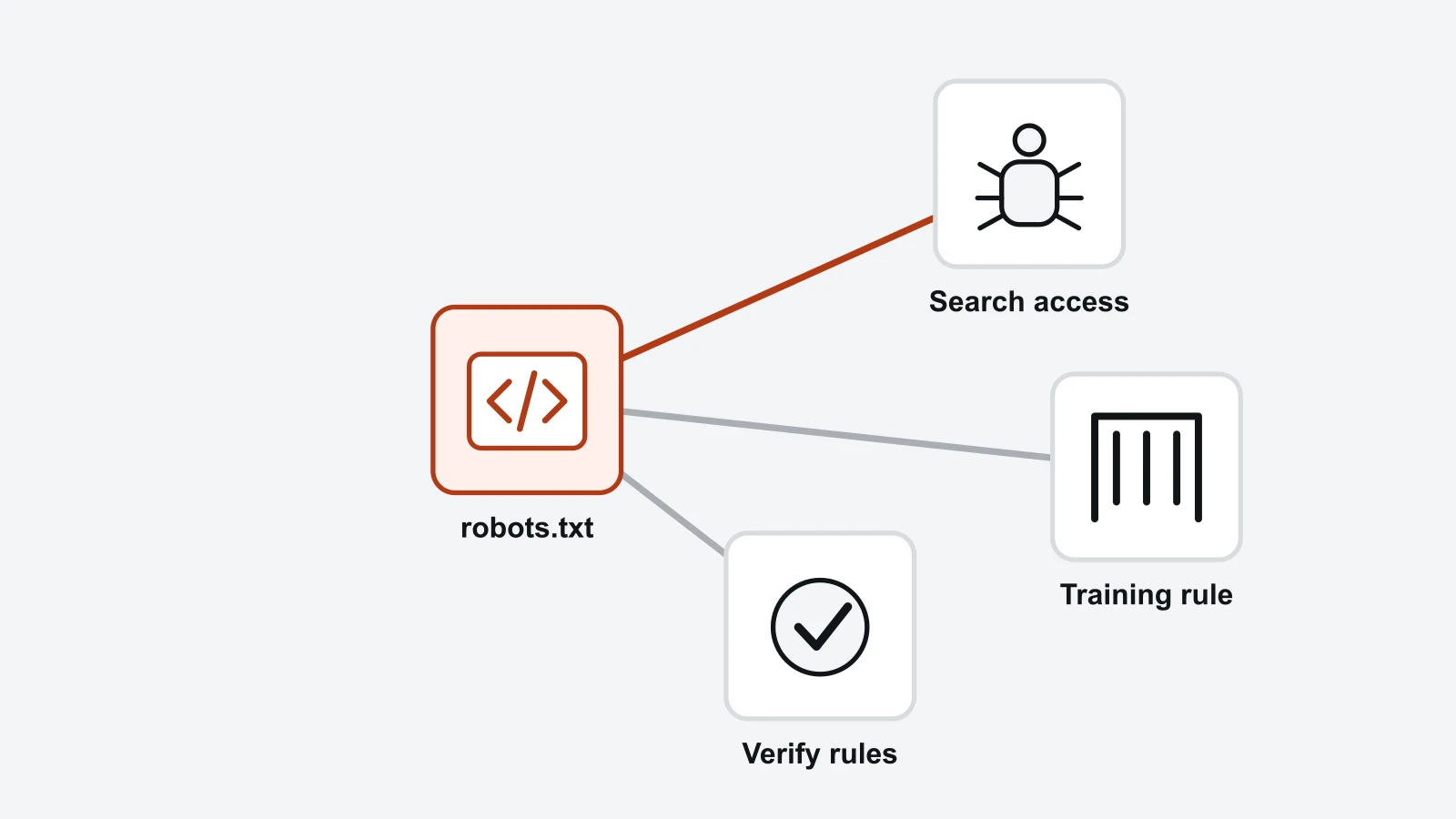
On this page 14 sections
- How do you block AI crawlers in WordPress?
- Should a WordPress site block AI crawlers at all?
- Why WordPress robots.txt edits stop working without warning
- What the standard WordPress AI block lists actually disallow
- Which tokens on the WordPress block lists do nothing
- Training crawlers and search crawlers answer different questions
- Blocking Google-Extended does not remove WordPress pages from AI Overviews
- Which AI crawlers ignore a WordPress robots.txt
- How to block AI crawlers with Cloudflare
- What about WooCommerce products and image content?
- A WordPress robots.txt that blocks training without losing citations
- How to check what your WordPress robots.txt is doing
- Checking AI crawler access with RankX AI
- Check public products without exposing private store routes
Short answer: For WordPress AI crawler controls, first decide which search or training purpose you want to allow. Inspect the live robots.txt, identify whether a plugin, physical file or host generates it, and check any CDN rules separately. Change one intended control and retest public product pages. Robots.txt requests crawler behaviour; it does not protect private data or guarantee removal from search.
How do you block AI crawlers in WordPress?
Blocking AI crawlers in WordPress means naming each crawler's robots.txt token and disallowing it, or refusing the request outright at your CDN. WordPress builds robots.txt on the fly rather than storing it as a file, so the four practical routes are an SEO plugin's robots.txt editor, a dedicated blocking plugin, a physical file you write yourself, or Cloudflare sitting in front of the site.
The default WordPress robots.txt is three lines. WordPress generates User-agent: *, a Disallow for the admin directory and an Allow for admin-ajax.php, and nothing in it mentions AI crawlers at all. Every AI rule on a WordPress site was added by somebody or by something.
The four routes, and when each is right
- An SEO plugin's editor. Yoast, Rank Math and AIOSEO all expose a robots.txt screen. Best when you want a handful of rules you chose, and the change lives with the plugin rather than in a file you might lose in a migration.
- A dedicated blocking plugin. Block AI Crawlers and the Raptive Ads plugin ship maintained lists. Best when you want everything blocked and do not want to track a moving roster of tokens yourself. Read the audit section below before installing one.
- A physical
robots.txtin the site root. Best when your rules must survive a plugin being deactivated. It has a consequence most guides do not mention, and it is the subject of the next section. - Cloudflare in front of the site. The only one of the four that ENFORCES rather than requests, so it is the only one that reaches a crawler which ignores robots.txt. Free plans included. It has its own trap, and it gets a full section below.
Whichever route you take, a WordPress AI crawler rule is only worth what the crawler chooses to do with it. Robots.txt is a published request, and the vendors differ on whether they honour it for user-triggered fetches. That is covered further down.
Crawler access is the first layer of a larger question. The rest of it sits in WordPress SEO in the AI era: what the SEO plugins actually emit, whether page builders hide content, and what we found 359 live WordPress sites serving.
Should a WordPress site block AI crawlers at all?
Block the training crawlers if you want to, and leave the search crawlers alone. That is the position this article argues for, and it is the one most WordPress owners already hold once the question is put to them precisely: little objection to being cited, a real objection to becoming training data.
The case for blocking training crawlers is sound and worth stating plainly, because most of the coverage treats it as either obvious or indefensible. A training crawler takes your posts, sends no visitor back, and feeds a model that may answer your reader's question without naming you. On a large WordPress site it costs real bandwidth too. A publisher who disallows every one of them has made a defensible choice.
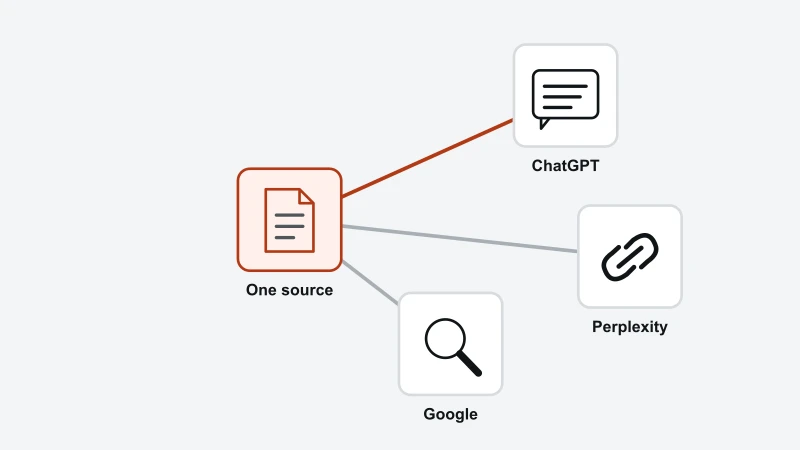
The case against blocking the search crawlers is the one the pasted lists obscure. A search crawler is how an assistant learns you exist well enough to cite you. Disallowing it removes the citation and leaves the page exactly as copyable as it was before, because a public page stays public either way. That is the trade the plugins make on your behalf without describing it.
Our site's published crawler policy is a choice for this website, not a requirement for your store. It is possible to value search visibility while choosing a different training preference. Make that decision by purpose and verify the actual served rules rather than copying our policy.
A publisher whose income comes from readers rather than from software should weigh the same evidence differently, and reach a different answer without being wrong. The general version of that argument sits in what AI crawlers actually read on your site.
Why WordPress robots.txt edits stop working without warning
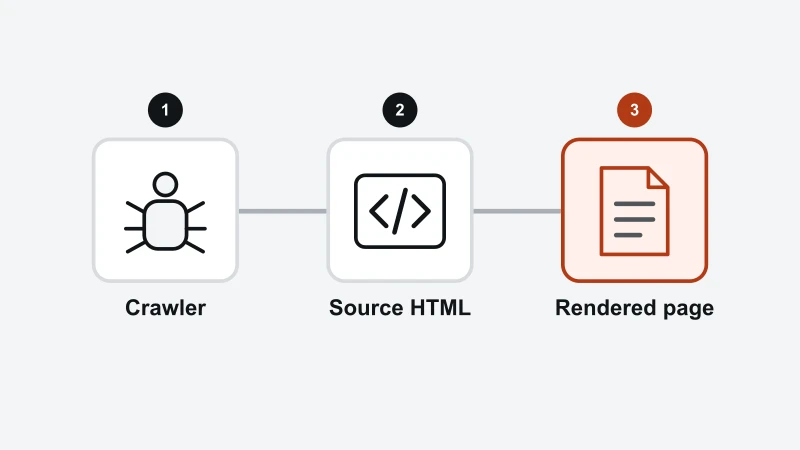
In a typical WordPress deployment, a physical robots.txt file can be served before the request reaches WordPress's virtual generator. Hosting and edge rules can also own the response. Compare the plugin preview with the live URL and identify the real response owner before editing.
The mechanism is in WordPress's own default rewrite rules. They carry RewriteCond %{REQUEST_FILENAME} !-f, which means the rewrite to index.php runs only if the requested filename is not a real file. Create robots.txt and the web server answers the request itself.
What breaks then is the whole chain. WordPress never runs do_robots(), so it never applies the robots_txt filter, and that filter is precisely what Yoast, Rank Math, AIOSEO and the AI-blocking plugins hook into. The plugin screen still shows your rules, because it shows what it would generate rather than what your server serves.
The Block AI Crawlers plugin treats this as serious enough to refuse installation. Read on 9 September 2026, its source refuses activation when a physical file is present and tells the owner to rename that file before trying again. A plugin author blocking their own install over a mechanism is a fair signal that the mechanism catches people.
Caching is the second WordPress trap here. Managed hosts cache robots.txt aggressively, and WordPress VIP documents caching it for long periods with a dedicated purge step, so a correct edit can take hours to appear. Verify by fetching the URL rather than by reading the plugin screen, and purge before concluding that an edit failed.
What the standard WordPress AI block lists actually disallow
The block lists WordPress plugins install disallow the crawlers that decide AI citations, not only the crawlers that collect training data. Every page on this search result hands the reader a list to paste, and none of them audits the list it is handing over, so we did.
On 9 September 2026 we took the two lists WordPress owners actually install, both fetched from source rather than quoted. The ai.robots.txt community list (opens in a new tab) carries 175 user-agent tokens, and the plugins advertising 75 or more blocked bots are generated from it. The list inside the Block AI Crawlers plugin carries 163.
Anyone can re-run this. Fetch the community list from its repository and the plugin's generated list from the plugin's, pull out every User-agent line, and check each token against the vendor documentation linked beside every bot in our AI crawler access checker. It needs no account and no paid tool, which is the point: the finding is checkable rather than asserted.
The community list against a roster of 25 documented crawlers
Crawler purpose | On the list | What a Disallow costs you |
|---|---|---|
Search | 8 of 9 | Removal from ChatGPT search, Perplexity, Claude, Meta AI, Amazon, Apple, Mistral and DuckDuckGo answers. Googlebot is the only one absent. |
User-triggered fetch | 6 of 6 | The page an assistant fetches when a reader explicitly asks it to open your URL. |
Training | 7 of 8 | Inclusion in the next generation of model training data. This is the part most owners think they are buying. |
Control token | 2 of 2 | Gemini training and grounding, and permission for Apple to train on what Applebot already crawled. |
So the WordPress plugin marketed as blocking AI scrapers removes the site from AI answers as well. That may be exactly what a publisher wants, and the ai.robots.txt project is honest about being a total opt-out. The gap is in the WordPress framing around it, where the same list is presented as protecting content while it is also cancelling citations.
Which tokens on the WordPress block lists do nothing
Fourteen tokens on the community list cannot do what a WordPress owner pasting them expects, for two separate reasons. Four name crawlers that no vendor documents any more, and ten are not valid robots.txt product tokens because they contain a space.
Four tokens on the lists that no vendor documents
anthropic-ai and Claude-Web are both on the lists, and Anthropic's crawler documentation names ClaudeBot, Claude-User and Claude-SearchBot. FacebookBot is on the lists, and Meta documents FacebookExternalHit, Meta-WebIndexer, Meta-ExternalAds, Meta-ExternalAgent and Meta-ExternalFetcher. None of those three matches a crawler either vendor currently documents, so the rules are inert.
Cohere is the sharpest case, because the list gets it backwards. Coherebot is the only token Cohere's own crawler documentation tells you to disallow, and it is absent from the list, while two tokens Cohere does not document, cohere-ai and cohere-training-data-crawler, are both on it.
Twenty-one tokens the standard does not allow
RFC 9309 (opens in a new tab), the robots.txt standard, states that a product token must contain only uppercase and lowercase letters, underscores and hyphens. Twenty-one of the 175 tokens fall outside that, and ten of them contain a space: Brightbot 1.0, ChatGPT Agent, Datenbank Crawler, Echobot Bot, Kangaroo Bot, Linguee Bot, netEstate Imprint Crawler, Poseidon Research Crawler, Sidetrade indexer bot and Terra Cotta.
A token with a space in it has no defined behaviour. What a given crawler does with User-agent: Kangaroo Bot is left to that vendor's parser rather than settled by the standard, and no vendor documents the answer. Three further pairs are the same token in two cases, which the standard's case-insensitive matching makes redundant rather than harmful.
Six of the twenty-one are outside the grammar only because they contain a digit, and several of those are the names their vendors publish. That is the standard being narrower than practice rather than the list being careless, and it is worth knowing before you assume a rule is working: the tokens with a space in them are the ones with nothing behind them at all.
Training crawlers and search crawlers answer different questions
A training crawler decides whether your content trains a future model, and a search crawler decides whether your page can be cited in an answer today. Most WordPress robots.txt advice treats the two as one category called AI bots, and that is what makes the pasted lists so much broader than their readers expect.
- Training
Consider whether to permit training-related use.
- Search
Consider discovery and search retrieval.
- User request
Check the specific user-directed crawler.
Review named agents and current documentation. A generic AI-bot category can hide important differences.
OpenAI documents the split plainly. GPTBot crawls content for training generative AI models. OAI-SearchBot surfaces websites in ChatGPT search results, and OpenAI's bot documentation (opens in a new tab) states that sites opted out of OAI-SearchBot will not be shown in ChatGPT search answers, though they can still appear as navigational links.
Anthropic, Perplexity, Meta, Mistral and Amazon all draw the same three-way split between a training crawler, a search crawler and a user-triggered fetcher. The tokens differ and the compliance statements differ, which is the whole reason a pasted list is a poor substitute for a decision. The roster of every documented crawler sits in what AI crawlers actually read on your site.
A training opt-out and a search-crawl rule serve different purposes. A robots.txt edit is not retroactive deletion of previously collected information. Nor is search recovery a guaranteed one-crawl toggle: caching, recrawling and selection can introduce delays. Save the change and verify actual requests and later search observations separately.
Blocking Google-Extended does not remove WordPress pages from AI Overviews
Google-Extended controls Gemini, not AI Overviews, and almost every WordPress robots.txt guide gets this wrong. Google documents Google-Extended as a control over whether crawled content trains and grounds Gemini models, and states that it does not impact a site's inclusion in Google Search and is not a ranking signal.
AI Overviews and AI Mode are part of Google Search, so robots.txt directives for Googlebot are the control for how a site is crawled for them. Removing a whole site is done in Search Console: the Search generative AI setting (opens in a new tab), available on every site since 31 August 2026, takes a site out of AI Overviews and AI Mode and leaves its ordinary results untouched. For single pages, nosnippet, max-snippet or noindex limit what may be used, and each one also changes the ordinary result.
Google-Extended also never appears in a WordPress access log, because it is a control token rather than a crawler and has no user agent string of its own. Blocking Gemini grounding is a real choice with real consequences, covered in Google Gemini SEO. It is simply not the lever for Google AI Overviews.
From RankX AIRead the rules affecting your public catalogue.If the plugin preview and served file disagree, identify whether a physical file, host, CDN or cache owns the response.Check AI crawler accessWhich AI crawlers ignore a WordPress robots.txt
The user-triggered fetchers are the ones that state they may ignore robots.txt, and the vendors say so in their own documentation rather than leaving it to be discovered. A WordPress robots.txt is a published request, and treating it as enforcement is the mistake that leads to a surprised look at a log file.
Crawler | What the vendor documents |
|---|---|
ChatGPT-User | OpenAI: because these actions are initiated by a user, robots.txt rules may not apply. |
Perplexity-User | Perplexity: since a user requested the fetch, this fetcher generally ignores robots.txt rules. |
Meta-ExternalFetcher | Meta: the crawler may bypass robots.txt because it performs user-requested fetches. |
Claude-User | Anthropic states its bots honour industry standard robots.txt directives, with no user-fetch exception carved out. |
Bytespider | ByteDance publishes no crawler documentation, so compliance cannot be verified in either direction. |
Anything a WordPress owner needs enforced belongs a layer up, at the firewall or the CDN. Cloudflare, a web application firewall (WAF) or a host's bot rules can refuse a request outright, which robots.txt cannot. The trade is that enforcement blocks by signature and can catch a crawler you wanted, so it needs the same token-by-token reading as the robots.txt route. The next section covers the Cloudflare route in full, including the setting that quietly takes Googlebot with it.
Your WordPress host may already be doing some of this. Search Engine Land reported on 6 May 2026, from log data collected between 4 and 10 April 2026, that WP Engine enforced platform-level rate limiting on certain bots that customers could not selectively disable. Host behaviour changes, so treat that as an observation with a date on it and confirm your own host's current position before concluding anything about your site.
How to block AI crawlers with Cloudflare
Cloudflare refuses the request at the edge instead of asking the crawler to behave, which is the one thing a WordPress robots.txt cannot do. That makes it the only route in this article that reaches the three fetchers in the table above whose vendors document that robots.txt may not apply, and Bytespider, whose compliance nobody can verify.
AI Crawl Control, which Cloudflare renamed from AI Audit, is available on every plan including the free one. Each crawler takes one of three actions, allow, block or charge, and a block answers 403 Forbidden or, on paid plans, 402 Payment Required carrying a licensing message you write.
The feature worth the detour for a WordPress owner is the robots.txt violations column. It counts the times each crawler fetched something your robots.txt disallowed, which turns whether a bot obeys from a question about vendor documentation into a measurement of your own site. Nothing in WordPress reports that.
Cloudflare will also write the robots.txt for you, and its managed list is better curated than the community one audited above. It disallows eight tokens, every one a training crawler: Amazonbot, Applebot-Extended, Bytespider, CCBot, ClaudeBot, Google-Extended, GPTBot and meta-externalagent. No search crawler appears on it. It prepends a Content-signal line too, search=yes, ai-train=no, the emerging machine-readable form of the same instruction.
The steps, in the Cloudflare dashboard
- Select the domain. These controls are per zone, so a WordPress multisite spanning several domains needs configuring on each one separately.
- Open AI Crawl Control. Read the crawler list before changing anything: it shows every AI crawler that has actually reached your site, its category, its request count and its robots.txt violations.
- Set an action per crawler. Block the training crawlers. Leave the eight search crawlers on Allow, for the reasons the audit above measures.
- Set the block response under Settings.
403 Forbiddenrefuses.402 Payment Required, on paid plans, refuses and tells the operator how to license the content instead. - Optionally turn on the managed robots.txt. In Security Settings, filter by Bot traffic and enable the setting that writes a training block into robots.txt. It prepends its rules to whatever WordPress already generates.
- Re-fetch your own pages afterwards. A Cloudflare rule and a WordPress rule can disagree, and the edge decides.
Read the category setting before you tick it
Cloudflare sorts AI bots into Search, Agent and Training, and its own documentation defines Training as including mixed-purpose crawlers. Because the policy applies the most restrictive rule that matches, choosing Block on Training since 15 September 2026 also blocks Googlebot, Applebot and BingBot. Cloudflare names those three in its announcement. The Training setting to choose instead is Disallow AI Training, which refuses training and keeps all three crawling for search.
For a WordPress site that is the most expensive tick on the page, because it removes you from Google Search and from AI Overviews together. It is the same defect as pasting a 175-token list without reading it, moved one layer up the stack and made more costly.
From 15 September 2026 a domain onboarding to Cloudflare is offered one of two presets, and an existing zone keeps its configuration, with any old training block migrated to Disallow AI Training. The controls live under Configure AI bot policies, so read your own zone there rather than assume a default.
What about WooCommerce products and image content?
WooCommerce product pages are read by the same search crawlers that decide AI shopping answers, so a store that pastes a full block list removes its products from the assistants people increasingly buy through. The robots.txt calculus for a shop is the same as for a blog, and the stakes are higher, because the disallowed pages are the ones with revenue attached to them.
The image opt-out directives are a different matter, and the honest answer is that they are not a standard. DeviantArt introduced noai and noimageai on 11 November 2022, describing them as an industry first, and its own announcement claims no adoption by any AI company or standards body. None of the six vendors whose crawler documentation this article cites mentions either directive.
Review public image URLs separately from page URLs. A robots rule controls compliant fetching, while a supported noindex response header is an indexing directive the crawler must be able to read. Neither replaces authentication for private images. If the resource is blocked from crawling, the engine may not see its noindex header.
A WordPress robots.txt that blocks training without losing citations
The rules below disallow the training crawlers and leave the search crawlers alone, which is the configuration most WordPress owners describe when asked what they want. Add them through your SEO plugin's robots.txt editor, or to a physical file if you have one, and read the section above on virtual robots.txt if your edits have not been taking effect.
User-agent: GPTBotthenDisallow: /stops OpenAI collecting your pages for model training.User-agent: ClaudeBotthenDisallow: /does the same for Anthropic's training crawler.User-agent: CCBotthenDisallow: /keeps you out of Common Crawl, which many models train from.User-agent: Google-ExtendedthenDisallow: /opts out of Gemini training and grounding, including training of the models behind Search's AI features, and leaves rankings untouched.User-agent: Applebot-ExtendedthenDisallow: /opts out of Apple foundation model training while keeping Applebot's search crawl.User-agent: meta-externalagentthenDisallow: /opts out of Meta's training crawl.User-agent: AmazonbotthenDisallow: /opts out of the Amazon crawl that may train Amazon models, and leaves Amzn-SearchBot in place.
Leave the eight search crawlers allowed. They are OAI-SearchBot for ChatGPT, Claude-SearchBot, PerplexityBot, meta-webindexer, Applebot, Amzn-SearchBot, MistralAI-Index and DuckAssistBot. Disallowing any one of them removes the site from that assistant's answers rather than from its training data.
Do not use a Googlebot crawl block as an indexing-removal tool. A blocked URL can remain known to Google without its content being fetched. Keep Google search access separate from training choices, and read each token in a pasted list before adopting it.
Keep crawler policy and content discovery separate. An optional llms.txt index does not replace robots.txt, enforce a training choice or guarantee citation. Add such an index only when a maintained list serves a useful reader or tool workflow.
How to check what your WordPress robots.txt is doing
Fetch the file rather than trusting a plugin screen, because the plugin screen shows what WordPress would generate and the file is what crawlers read. Open your domain with /robots.txt on the end in a browser, or request it from a terminal, and read what actually comes back.
- Rule source
Identify whether WordPress, a plugin or the server owns it.
- Public file
Fetch the robots.txt the crawler receives.
- Important page
Check the intended path and agent combination.
An admin setting can differ from the file served at the public URL.
- Fetch the live file. If it does not match your plugin, a physical
robots.txtor a cache is in the way. - Read the tokens rather than counting them. Sort them into training, search and user-fetch, and confirm each name against the vendor's current documentation. Four tokens on the popular lists are no longer documented anywhere.
- Check the eight search crawlers specifically. A
Disallowon any one of them is a decision, so make it deliberately rather than by pasting. - Confirm Googlebot is allowed in robots.txt AND at your CDN. Cloudflare files it under Training, so the two layers can disagree, and the edge is the one that decides.
Watch the logs afterwards. Record verified request identities, URLs and responses. An absent user-agent row can mean no visit, incomplete logging or a changed agent name; it does not by itself prove that a rule was honoured.
Re-run the check quarterly. Vendors add tokens, the community lists change weekly, and a robots.txt written against last year's roster is silently out of date rather than broken in any way a WordPress dashboard would surface.
Checking AI crawler access with RankX AI
RankX AI is our AI visibility platform, and its AI crawler access checker is free and needs no account. It reads your robots.txt, resolves each rule against a roster of documented crawlers, and reports which are allowed and which are blocked, sorted by whether a crawler decides training or citations.
For ongoing public-page investigation, review the checks and cadence supported by the current RankX AI interface and plan. A robots-rule result, an observed HTTP response and a citation are different pieces of evidence. Do not infer continuous monitoring or a field-edit action from a one-off checker result.
Check public products without exposing private store routes
Choose a public WooCommerce product, its collection and a product image, then save the live robots.txt and current responses before editing. Write the intended decision in plain language, such as preserving search access while declining a documented training use. Do not include customer accounts, order-status pages or private exports in the public test.
If the plugin preview and served file disagree, identify whether a physical file, host, CDN or cache owns the response. Make one approved edit there, fetch the same URLs again and compare the served rule and observed response. Save the previous configuration for rollback. A matching robots rule and a successful fetch verify those checks; they do not prove a future citation or expose private routes safely.
Next, review edge policy interactions or compare crawler purposes.
Questions about WordPress Guides
Does blocking GPTBot remove my WordPress site from ChatGPT?
No, and the two are separate controls. OpenAI documents GPTBot as the crawler that collects content for training generative AI models, while OAI-SearchBot is the one that builds the index behind ChatGPT search. OpenAI states that sites opted out of OAI-SearchBot will not be shown in ChatGPT search answers, though they can still appear as navigational links. Disallowing GPTBot alone stops future training collection and leaves ChatGPT search results untouched. It also does nothing about content already in a released model, because training data cannot be withdrawn from a model that has shipped.
Why does my SEO plugin show robots.txt rules that are not on my live site?
Check for a physical file, host-generated response, CDN rule and stale cache. Under a typical WordPress setup, a physical file can be served before WordPress generates its virtual response. Fetch the live URL, identify the layer producing it, then make one change in that owner and fetch it again.
Will blocking AI crawlers hurt my Google rankings?
Not by itself, provided you do not disallow Googlebot. Google states that Google-Extended does not impact a site's inclusion in Google Search and is not used as a ranking signal, so a Disallow for that token is safe for rankings. The risk sits elsewhere: several block lists include GoogleOther and Applebot, and Applebot is what feeds Siri, Spotlight and Safari search rather than model training. Read each token before pasting, because a list assembled to stop model training can quietly remove you from search products you wanted to be in.
Do AI crawlers actually obey a WordPress robots.txt?
The training and search crawlers generally state that they do, and several of the user-triggered fetchers state that they do not. OpenAI writes that because ChatGPT-User actions are initiated by a user, robots.txt rules may not apply. Perplexity writes that since a user requested the fetch, Perplexity-User generally ignores robots.txt rules. Meta writes that Meta-ExternalFetcher may bypass robots.txt. ByteDance publishes no documentation for Bytespider at all, so its compliance cannot be verified either way. Robots.txt is a request rather than an enforcement mechanism, and anything you need enforced belongs at the firewall or CDN.
Is a plugin or a manual robots.txt edit better for blocking AI crawlers?
Use the route you can maintain and verify. A plugin can manage selected rules, and a manual file can make ownership explicit. Neither is automatically better. Read the exact crawler tokens, preserve useful existing directives and confirm the served file and edge response after the change.
Sources
- OpenAI, bots and crawler documentation (GPTBot, OAI-SearchBot, ChatGPT-User) (opens in a new tab) Checked 2026-10-21.
- Anthropic, does Anthropic crawl the web (ClaudeBot, Claude-User, Claude-SearchBot) (opens in a new tab) Checked 2026-09-09.
- Perplexity, PerplexityBot and Perplexity-User documentation (opens in a new tab) Checked 2026-09-09.
- Meta, web crawlers documentation (opens in a new tab) Checked 2026-09-09.
- Google, Google crawlers and user-triggered fetchers (Google-Extended) (opens in a new tab) Checked 2026-09-09.
- Google Search Console Help, Search generative AI control: removes a site from AI Overviews and AI Mode, every site since 31 August 2026 (opens in a new tab) Checked 2026-09-29.
- Cohere, web crawlers policy (Coherebot) (opens in a new tab) Checked 2026-09-09.
- RFC 9309, Robots Exclusion Protocol, product-token grammar (opens in a new tab) Checked 2026-09-09.
- WordPress, Apache web server configuration and default rewrite rules (opens in a new tab) Checked 2026-09-09.
- WordPress, do_robots() function reference (opens in a new tab) Checked 2026-09-09.
- ai.robots.txt community block list, 175 user-agent tokens as fetched (opens in a new tab) Checked 2026-09-09.
- Block AI Crawlers plugin for WordPress, source and generated crawler list (opens in a new tab) Checked 2026-09-09.
- Cloudflare, AI Crawl Control: manage AI crawlers (allow, block, charge; robots.txt violations) (opens in a new tab) Checked 2026-09-10.
- Cloudflare, your site your rules: new AI traffic options (published 1 July 2026, defaults change 15 September 2026) (opens in a new tab) Checked 2026-09-10.
- Cloudflare, managed robots.txt setting and the Content Signals policy (opens in a new tab) Checked 2026-09-10.
- Cloudflare, block AI bots configuration and the Search / Agent / Training categories (opens in a new tab) Checked 2026-09-10.
- WordPress VIP, robots.txt caching and purge (opens in a new tab) Checked 2026-09-09.
- Search Engine Land, managed WordPress hosts blocking AI bots (published 6 May 2026, data 4 to 10 April 2026) (opens in a new tab) Checked 2026-09-09.
- Google Search Central: robots.txt scope and limitations (opens in a new tab) Checked 2026-10-21.
- Cloudflare: mixed-use crawlers and Disallow AI Training (opens in a new tab) Checked 2026-10-21.
Asif Syed is the founder and CEO of RankX AI, the AI search visibility platform. He builds the product and writes here about GEO, AI search measurement and WordPress.
CoversThis article covers the WordPress Guides topic, the Website Audit feature and the AI Crawler Access Checker tool.
Terms usedRobots.txt, AI Crawler, GPTBot, OAI-SearchBot, ClaudeBot, PerplexityBot, CCBot (Common Crawl), Google-Extended, ChatGPT-User, Training Data, AI Citation, llms.txt, Crawl Budget and AI Overview.
Read this page asMarkdown: /blog/wordpress-robots-txt-ai.md.
All articlesEverything RankX AI publishes is listed on the blog index.
Ask an assistantAsk ChatGPT (opens in a new tab), Ask Claude (opens in a new tab) or Ask Perplexity (opens in a new tab).
Preferred sourceIf Google is your front door, you can add RankX AI as a preferred source (opens in a new tab), which asks your own results to surface more of what we publish.